Built to secure, optimize, and scale — see how Shield Secure Solutions drives real results.

Shield Secure Solutions Uninstaller

Safely & Completely Remove Windows Applications

No installation needed—just use this lightweight, straightforward tool to fully uninstall any app from your PC. Easily remove third-party programs, built-in Windows apps, and UWP apps, even those not listed in the Control Panel.

  •   Safely uninstall Windows applications removing all leftover files.

  •   Completely remove programs to free space boost performance.

  •   Advanced uninstallation cleans hidden components maintaining Windows stability.

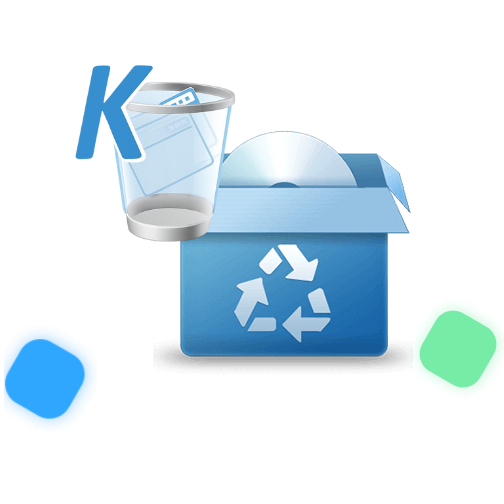
Window Tools K-Uninstaller

Safely remove unwanted programs completely to improve system performance and free storage.
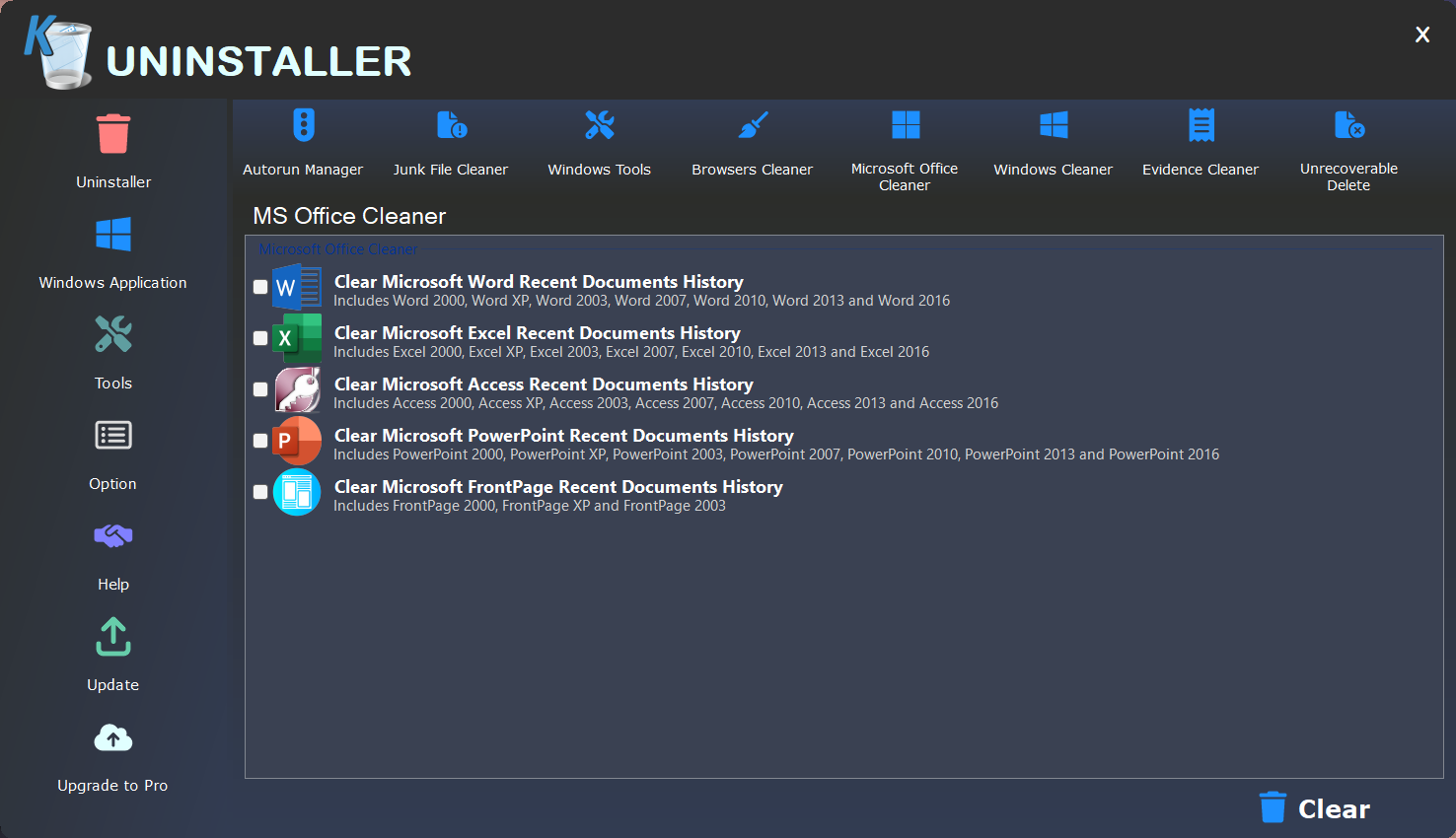
MS Office Cleaner & Uninstaller

Safely remove MS Office components, fix errors, and free system resources.

Windows Application for Uninstaller

A powerful Windows application designed to uninstall programs completely and improve performance.

Completely Uninstall Unwanted Applications

Reduce sound, video, and connectivity issues using our driver downloader and installer

Custom Uninstall — Delete Hidden & Unlisted Programs

Some applications don't appear in your system's installed programs list (Control Panel > Programs and Features or Windows Settings > Apps), making them impossible to remove through normal methods.

Software Health — Clean, Secure & Optimize Your Programs

Software Health scans, cleans, and optimizes your installed and previously removed applications. With a single click, it removes leftover registry entries and files, clears temporary files and privacy traces created during app runtime.

Top Features

Powerful Uninstaller Core Features

Removes unwanted programs completely, cleans leftover files, improves system speed, enhances stability,
and ensures a smoother Windows experience with reliable uninstallation performance.

Clean Removal

Performs deep and fast scanning and removes all leftovers. Keep your PC clean!

Simple User Interface

Great-looking and surprisingly functional. 40+ languages on board!

Fast and smart

Instant startup. Type to search to locate an app immediately. Quick leftovers scan.

Force Removal

Use Force Removal for stubborn and broken programs.

Uninstall Microsoft Apps

Uninstall Microsoft Store apps on Windows 8/8.1/10/11.

Portable

Single and small EXE runs on any 32 and 64-bit Windows.

All Brands

Update Drivers for Most Device Brands

Why choose K-Uninstaller Pro?
  • Advanced 3-mode leftover removal
  • Complete powerful software uninstall: Batch and Quick Uninstall
  • Backup options and Uninstall History
  • Real-Time monitoring of system changes & Logs Database
  • Forced Uninstall – remove remnants of already uninstalled programs

FAQS

Shield Secure Solutions provides a Junk Files Cleaner tool to scan for and remove unnecessary files from your computer. Simply click "Scan" and "Delete" to easily clean up junk files and free up disk space.

Yes, absolutely! Shield Secure Solutions Uninstaller is safe to use. It includes a backup tool that automatically creates registry and file backups before uninstalling any program. If you ever need to recover a program you removed by mistake, you can easily restore it from the backup.

Safe Uninstall is to use the original program to uninstall, then scan and clean the residues. Force uninstall is to search all related files as well as the register list and delete all of them. It is recommended to use Safe Uninstall which is a safer way. Please choose Force uninstall only when safe uninstall fails and a backup for your system before that is recommended.

The uninstalling programs of some programs could not delete all files related. Some of them will be still kept at the registry list or other places, which are difficult to be found and cleaned up by normal cleaning softwares. Wise program uninstaller proceeds another scan after normal uninstallation to find and kill all left items. This will ensure to clean all as much as possible.

The free version of Revo Uninstaller can fully uninstall software, but it doesn’t support removing browser extensions or forcing stubborn programs to uninstall. To access these advanced features, it’s recommended to purchase Revo Uninstaller Pro.

Absolutely, Shield Secure Solutions Uninstaller not only removes leftover files and folders but also thoroughly cleans related Windows Registry entries, so you don’t have to worry about leftover data or incomplete uninstalls.